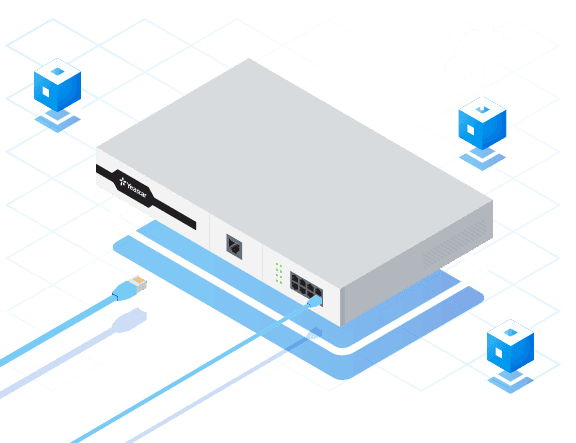
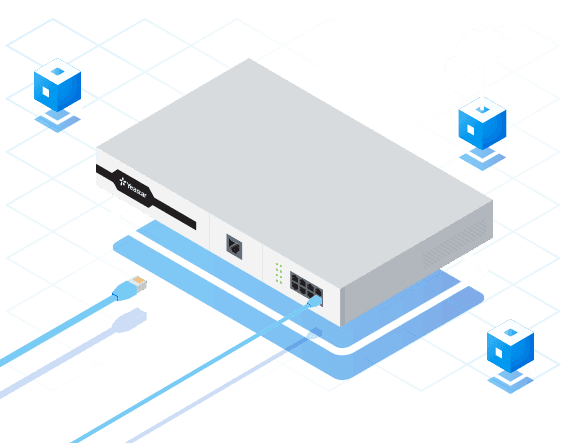
The PBX, an acronym for Private Branch Exchange, is at the heart of an organization's internal and external communications. From its origins as a manual switchboard, it has evolved into cloud platforms integrating voice, video, messaging, and artificial intelligence. This guide introduces the basic principles, different architectures, and selection criteria to help you choose the system best suited to your business.
What is a PBX?
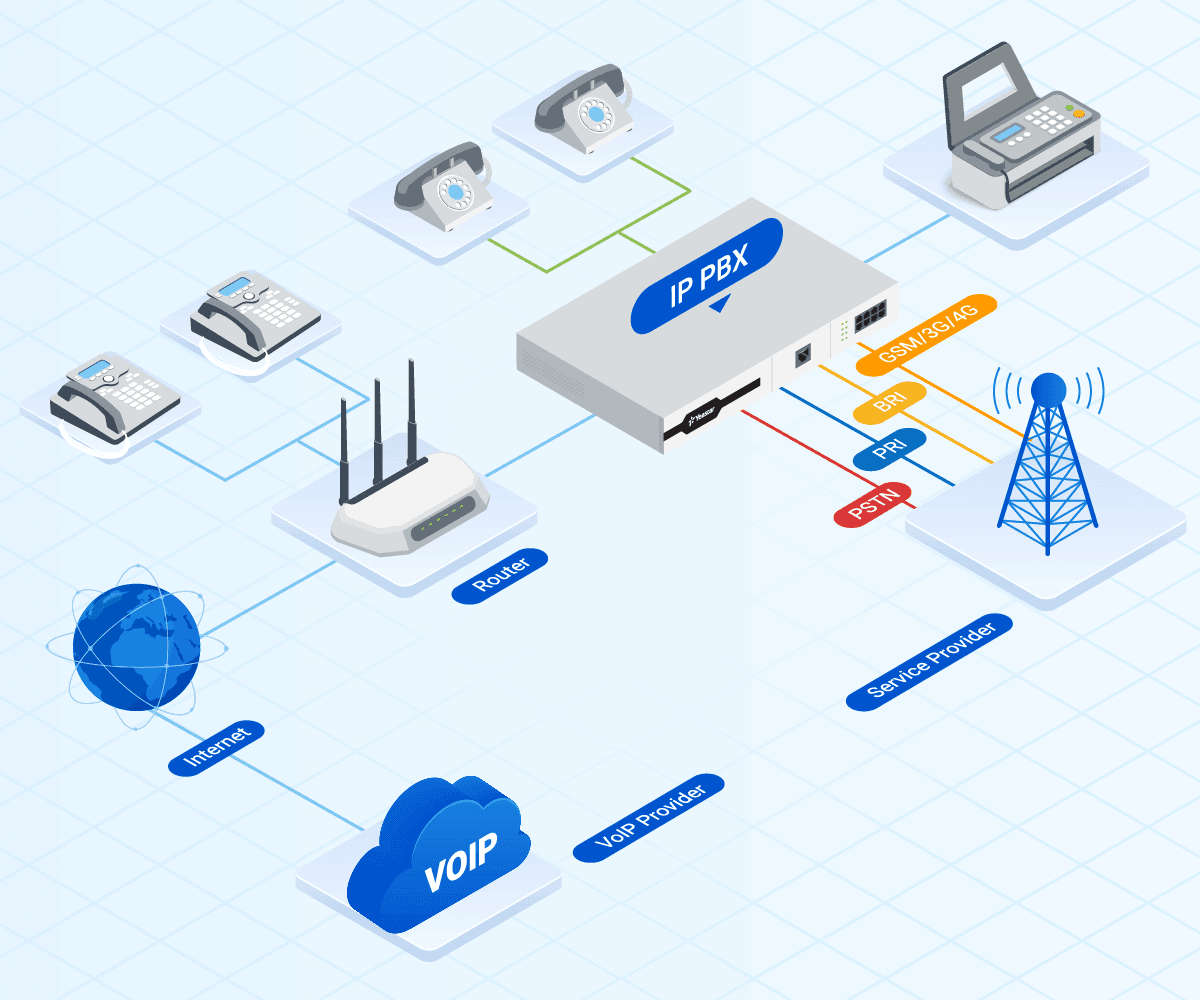
A PBX is a private telephone network that connects a company's internal extensions and enables them to connect to the public switched telephone network (PSTN). It centralizes call management, offers advanced features such as IVR, voicemail, recording, and video conferencing, and supports communications over VoIP, PSTN, or ISDN.
PBX evolution and types
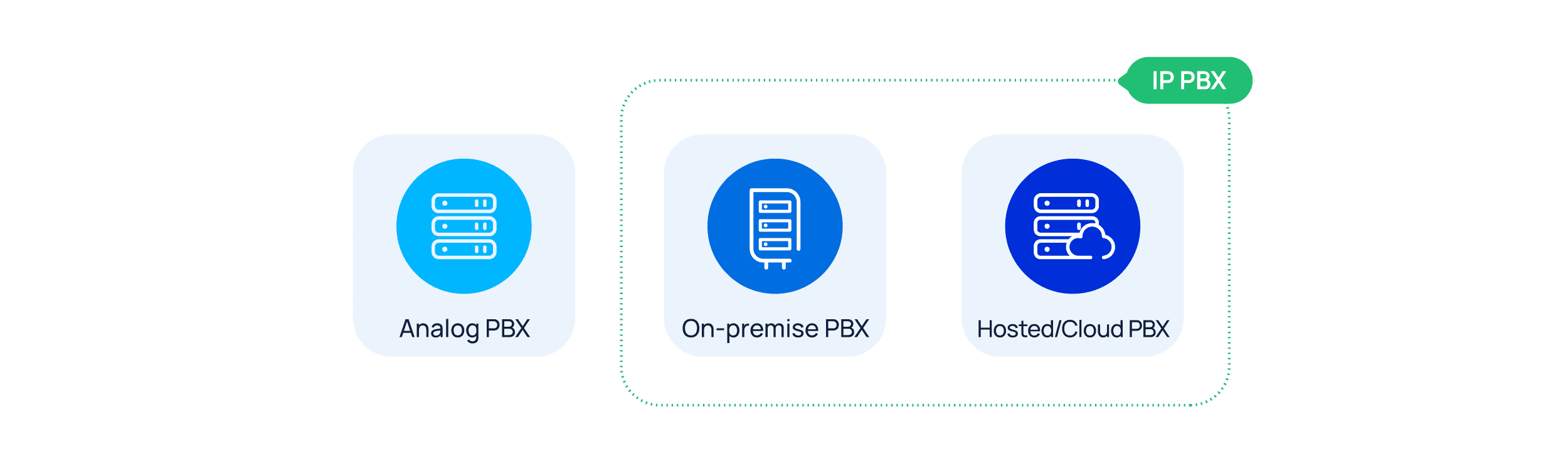
Originally, PBXs were manual switchboards. They gradually evolved into analog systems, then digital, then IP-based, and finally cloud-hosted systems. Today, four main categories are distinguished: analog PBX, IP PBX (on-premise), hosted/cloud PBX, and hybrid PBX. Each type has different costs, scalability, and maintenance requirements, which influence the choice based on a company's needs.
How a complete PBX works and its components
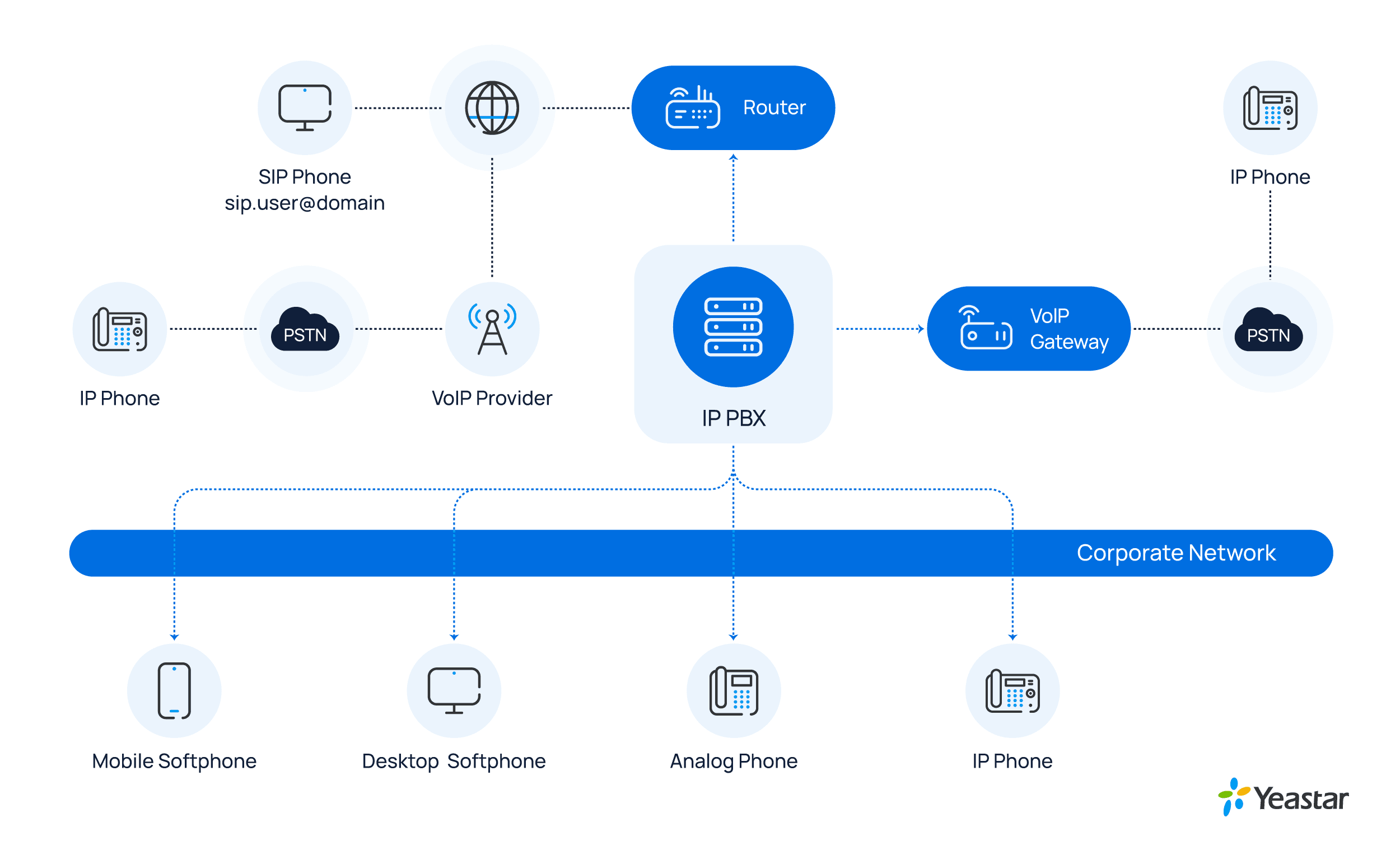
A modern PBX consists of physical or virtual telephone lines (trunks), a private exchange, endpoints (analog or IP phones, or softphones), and often routers or VoIP gateways to connect the different components. The system converts voice signals into IP packets, transmits them over the local network or via the Internet, and provides connectivity to external lines.
Choosing the right PBX for your business
For SMEs and large enterprises, the Yeastar PBX solution stands out with more than 100 features, visual call management, an integrated call center, and ready-to-use integrations with WhatsApp, SMS, Microsoft Teams, CRM, etc. It offers a free 30-day trial with no commitment, allowing you to test the platform before making a purchase decision.
The Yeastar team supports businesses and integrators in assessing their needs, selecting an architecture, and preparing for deployment.