Sync your users in one click
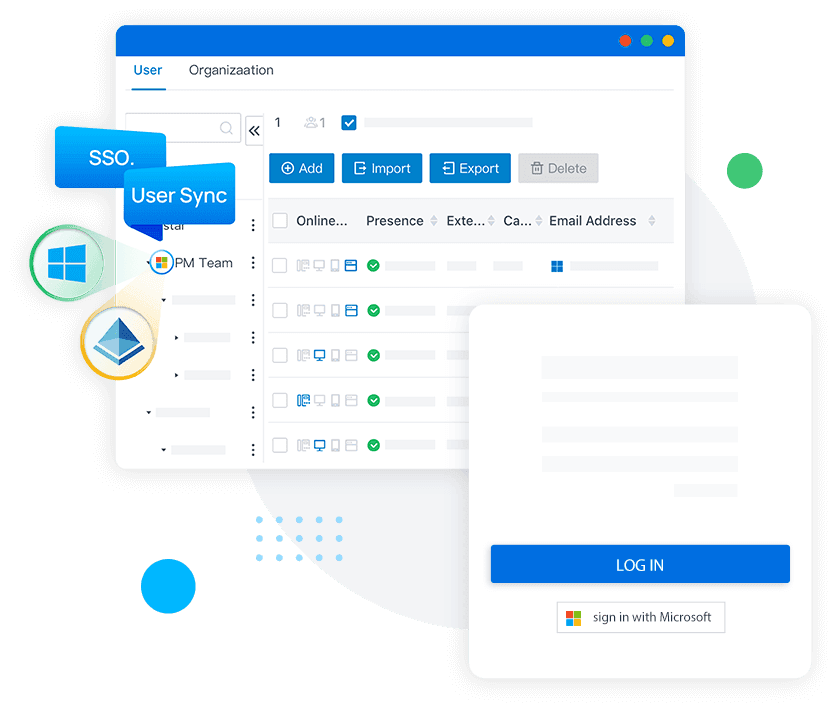
Connect your Microsoft 365 or Windows directory to your Yeastar P‑Series PBX to automatically create extensions and enable SSO.
Sync your users in one click
Connect your Microsoft 365 or Windows directory to your Yeastar P‑Series PBX to automatically create extensions and enable SSO.

Key benefits
User mapping
Import employee data (name, email, job title) directly into the PBX directory.
Enterprise SSO
Users sign in to Linkus UC clients with their Microsoft credentials.
Automatic provisioning
Instant creation and deletion of PBX extensions when users are added or removed.
Simplified administration
Centralized management through your directory, with automatic updates to PBX accounts.
Key Integration Features & Benefits
Key features sync users, simplify account management, and provide employees with a seamless SSO experience.
Integration guides
Detailed guides for integrating with Microsoft Entra ID and Active Directory walk you through each step.

Related Products
Discover the P‑Series range, available in the cloud or on premises, combining calls, video, omnichannel messaging, and integrations.